Loading...


The Lucky Fish App offers world-class sports betting, casino games, slot games, and lucky numbers on a secure platform, compatible with all Android, Huawei and iOS smartphones.
The Lucky Fish APK is just under 34MB, so it is quick to download and easy to use. Its seamless navigation and intuitive design make placing your bets feel effortless. The app is built for all local devices and networks, giving you real-time access to sports and casino action right at the palm of your hand. Plus, you will have 24/7 customer support and regular promotions to enjoy.
In this guide, we’ll show you how easy it is to download, install, and start betting with the Lucky Fish App on your device.

The Lucky Fish is available on AppGallery for Huawei users, and the App Store for iOS devices and as an APK for Android users. Choose your platform below and download the app.
|

|

|
If you’re still having trouble, make sure to enable “Allow Unknown Sources” if you're using an Android device and then give the installation another shot. Once the app has been successfully installed, you can switch this setting off again.
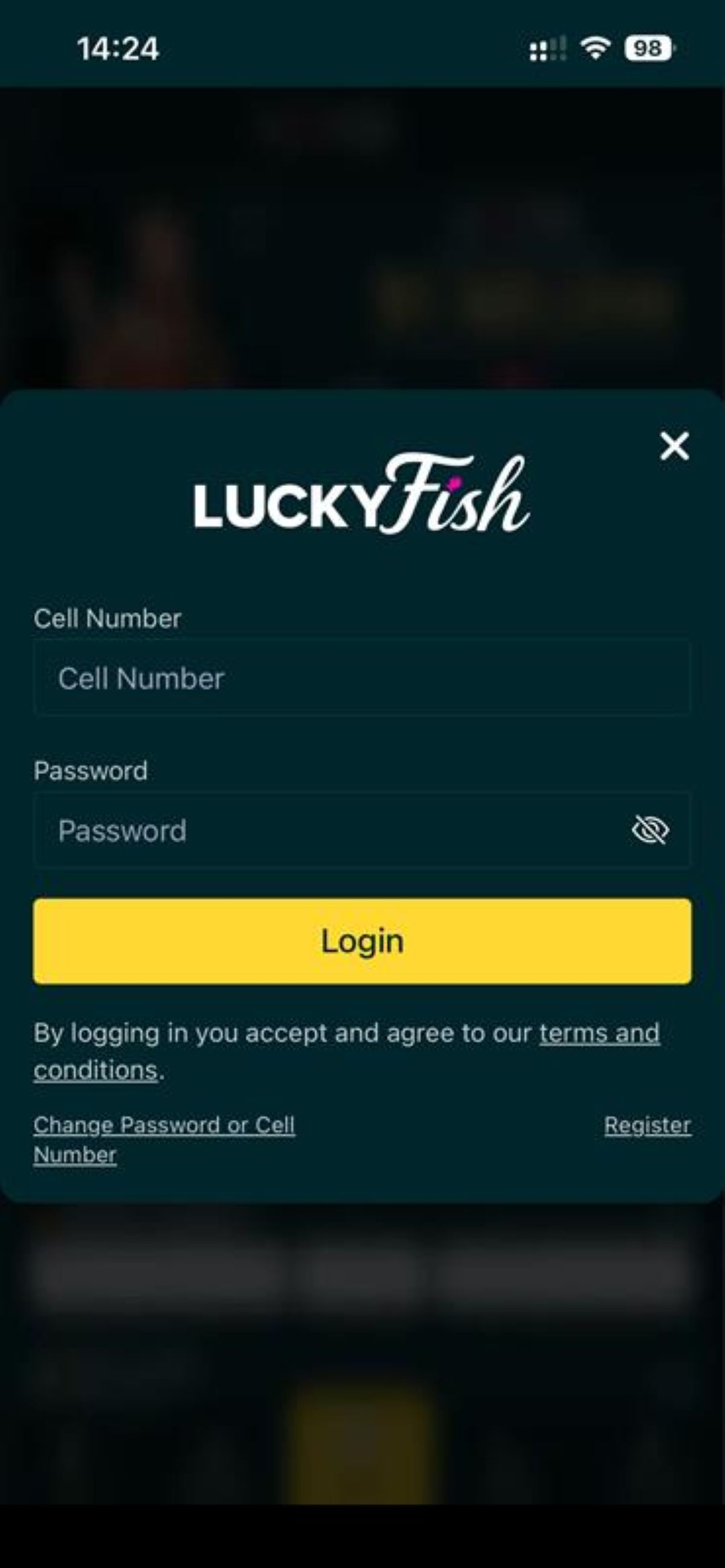
Once the app has been successfully downloaded and installed on your smartphone, click on Open, and it will redirect you to the app, where you will have the option to log in or register.
If you already have an existing Lucky Fish account, click on Log in, use your cellphone number, account number or email address as your username and password to log in.
Don’t yet have an account? Click on register, enter the required details and in a few minutes start enjoying our casino games, different sports, promotions, hassle-free deposit and withdrawal methods all in one place.
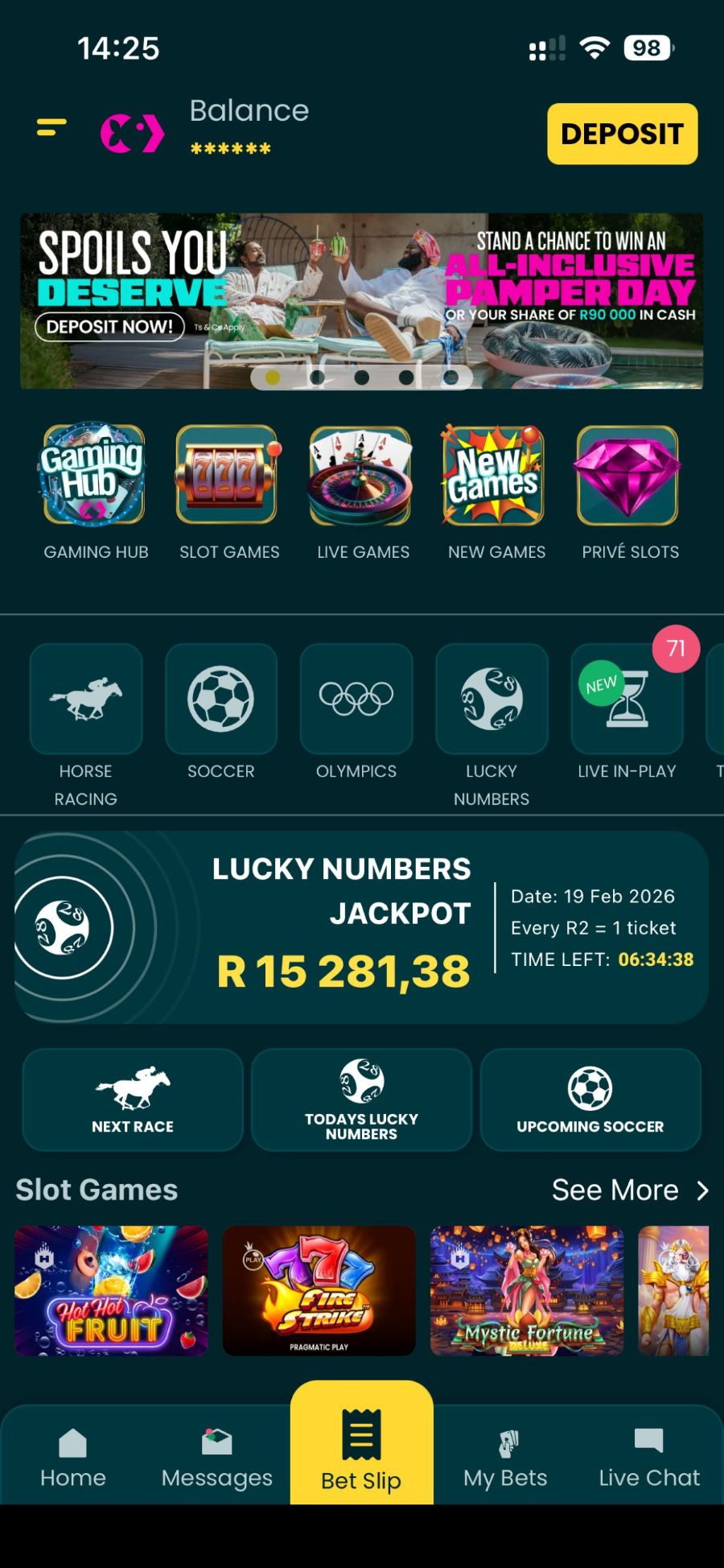
Once the app has been successfully installed and you have logged in, you are good to go. From sports betting to live casino entertainment, the Lucky Fish App offers a seamless, all-in-one experience:
You can download the Lucky Fish App from your App Store if you are an iOS user or from the App Gallery if you have a Huawei device. For Android users, click here to download the Lucky Fish APK, as it is currently not available on the Google Play Store.
Once you have located the app on the App Store or App Gallery, click on “get” or “download”, and it will automatically install. Once it finishes, you can enjoy the wide variety of games on offer. If you are an Android user, once the APK has been downloaded, simply tap on the file to start the installation. Follow the prompts, and once the installation is complete, you’ll be ready to use the app.
Yes, the Lucky Fish App supports Live-in-Play betting, allowing you to place bets as the action unfolds in real time.
Yes, the Lucky Fish App works on most Android devices (version 5.0 and higher). Ensure your phone has enough storage and a stable internet connection for the best performance.
Absolutely, the Lucky Fish is compatible with iPhone devices with iOS 13.4 or later versions. Head to the App Store and download the Lucky Fish app.

Mike & Mathew de Kock Runner Comments: 16 October 2026

Weekend Betting Picks: Liverpool Under Pressure as Newcastle Face Villa

R1.2 Million Gates of Olympus 2500 Win Lights Up Lucky Fish!

Take Flight with R250 000 in Aviator Bonus Bets

Celebrate the Colours of Mzansi at Lucky Fish Friday Night Racing

Mike and Mathew de Kock Runner Comments: 15 October 2026